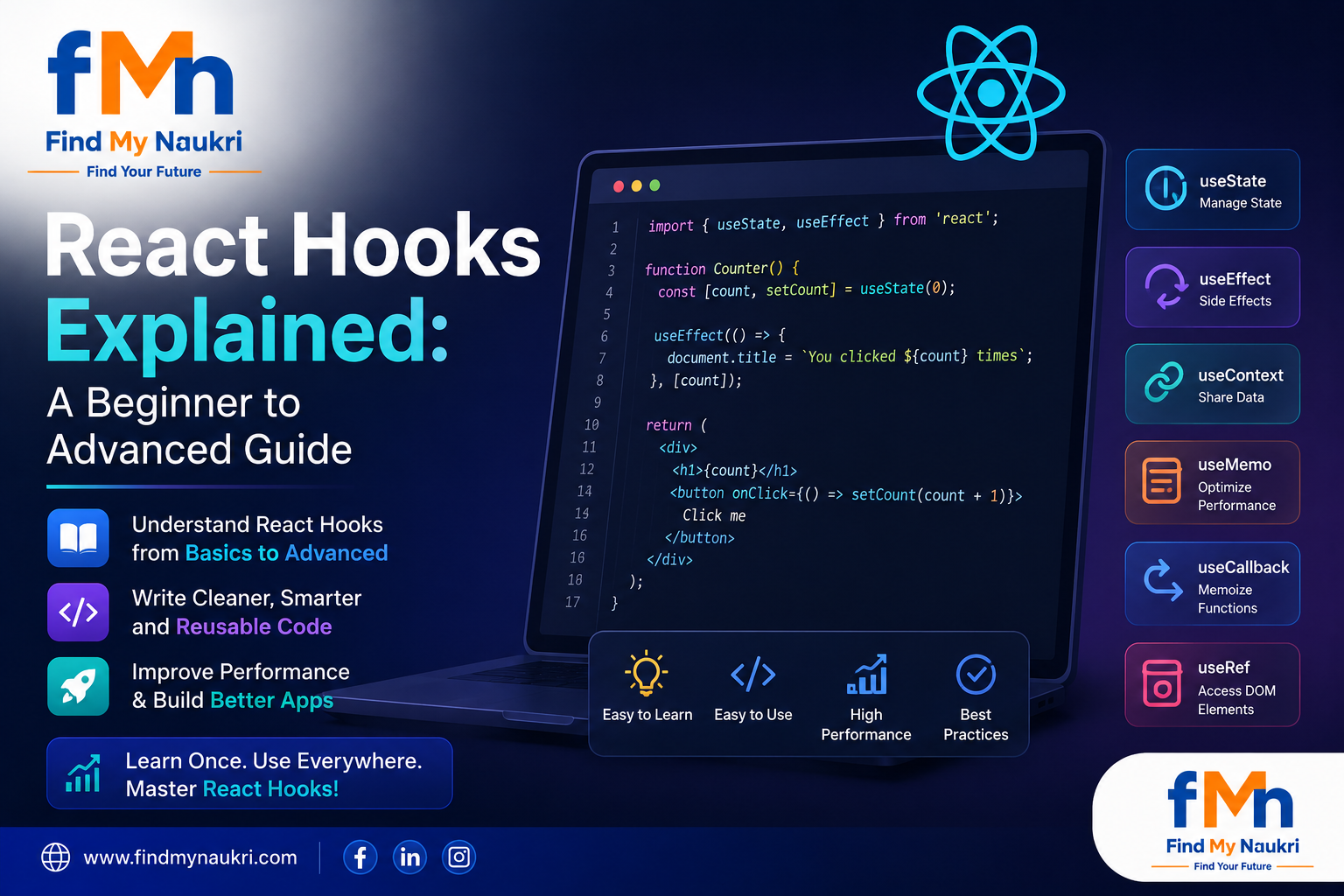
React Hooks Explained: A Beginner to Advanced Guide
React Hooks revolutionized the way developers build React applications by allowing functional components to manage state, handle side effects, and share logic without using class components. Introduced in React 16.8, Hooks have become the standard approach for modern React development.
Whether you're a beginner learning React or an experienced developer looking to optimize your applications, understanding React Hooks is essential for building scalable and maintainable user interfaces.
What Are React Hooks?
React Hooks are special functions that allow developers to use React features such as state management and lifecycle methods inside functional components. Before Hooks, developers had to use class components to access these features.
Hooks simplify code, improve reusability, and make React applications easier to understand and maintain.
Why React Hooks Were Introduced
Class components often became difficult to manage as applications grew larger. Developers faced challenges such as:
- Complex lifecycle methods
- Code duplication
- Difficult state management
- Confusing component logic
- Poor code reusability
Hooks solve these problems by enabling cleaner and more modular code structures.
Understanding useState Hook
The useState Hook allows functional components to manage local state.
import { useState } from 'react'; function Counter() { const [count, setCount] = useState(0); return ( <button onClick={() => setCount(count + 1)}> Count: {count} </button> ); } In this example:
- count stores the current value
- setCount updates the value
- useState(0) sets the initial value
Understanding useEffect Hook
The useEffect Hook handles side effects such as API calls, subscriptions, event listeners, and DOM updates.
import { useEffect } from 'react'; useEffect(() => { console.log('Component Mounted'); }, []); The empty dependency array means the effect runs only once when the component mounts.
Fetching Data Using useEffect
import { useState, useEffect } from 'react'; function Users() { const [users, setUsers] = useState([]); useEffect(() => { fetch('/api/users') .then(response => response.json()) .then(data => setUsers(data)); }, []); return ( <div> {users.map(user => ( <p key={user.id}>{user.name}</p> ))} </div> ); } Understanding useContext Hook
The useContext Hook allows components to access shared data without passing props through multiple component levels.
import { useContext } from 'react'; import UserContext from './UserContext'; function Profile() { const user = useContext(UserContext); return <h2>Welcome {user.name}</h2>; } This reduces prop drilling and improves application architecture.
Understanding useRef Hook
The useRef Hook provides a way to directly access DOM elements and persist values between renders without causing re-renders.
import { useRef } from 'react'; function InputFocus() { const inputRef = useRef(); const focusInput = () => { inputRef.current.focus(); }; return ( <> <input ref={inputRef} /> <button onClick={focusInput}>Focus</button> </> ); } Understanding useMemo Hook
The useMemo Hook optimizes performance by memoizing expensive calculations.
const expensiveCalculation = useMemo(() => { return calculateLargeDataset(data); }, [data]); React recalculates the value only when dependencies change.
Understanding useCallback Hook
The useCallback Hook memoizes functions to prevent unnecessary re-creation during component re-renders.
const handleClick = useCallback(() => { console.log('Button clicked'); }, []); This is particularly useful when passing callbacks to child components.
Understanding useReducer Hook
For complex state management, useReducer provides a more structured approach than useState.
const initialState = { count: 0 }; function reducer(state, action) { switch(action.type) { case 'increment': return { count: state.count + 1 }; default: return state; } } Many developers use useReducer for forms, workflows, and complex state transitions.
Custom Hooks
One of the most powerful features of React Hooks is the ability to create custom Hooks that encapsulate reusable logic.
import { useState } from 'react'; function useCounter(initialValue) { const [count, setCount] = useState(initialValue); const increment = () => setCount(count + 1); return { count, increment }; } Custom Hooks improve code reuse and maintainability across applications.
Common React Hook Mistakes
- Calling Hooks inside loops
- Calling Hooks conditionally
- Missing dependencies in useEffect
- Overusing useMemo and useCallback
- Managing excessive state inside components
Following React Hook rules helps prevent bugs and ensures predictable behavior.
React Hooks Best Practices
- Use functional components whenever possible
- Keep Hooks focused on a single responsibility
- Create custom Hooks for reusable logic
- Use useMemo only when performance issues exist
- Use useCallback for expensive child renders
- Organize Hook calls at the top of components
- Maintain clean dependency arrays
Real-World Applications of React Hooks
React Hooks are widely used in modern web applications for:
- User Authentication
- API Data Fetching
- Theme Management
- Form Validation
- Dashboard Applications
- E-commerce Platforms
- Real-Time Applications
- State Management Solutions
Career Benefits of Learning React Hooks
React Hooks are now considered a fundamental skill for React Developers. Most frontend development interviews include questions related to useState, useEffect, custom Hooks, and performance optimization techniques.
Mastering Hooks can significantly improve opportunities for roles such as:
- React Developer
- Frontend Developer
- JavaScript Developer
- Full Stack Developer
- Software Engineer
- UI Developer
Conclusion
React Hooks have transformed modern React development by making components simpler, more reusable, and easier to maintain. From basic state management with useState to advanced optimization techniques using useMemo and useCallback, Hooks provide developers with powerful tools for building scalable applications.
Whether you're creating small projects or enterprise-level applications, mastering React Hooks is essential for becoming a successful React developer in 2026 and beyond.